Choose a glass
Tap the glass you want to pour from, then a destination. Matching colors flow together when there is room.
 Bottle Harmony
A little space to think
Bring matching colors together, find room for your next move, and enjoy the quiet satisfaction of a plan coming together.
Currently in Google Play closed testing. Join the test before installing; public download is not available yet.
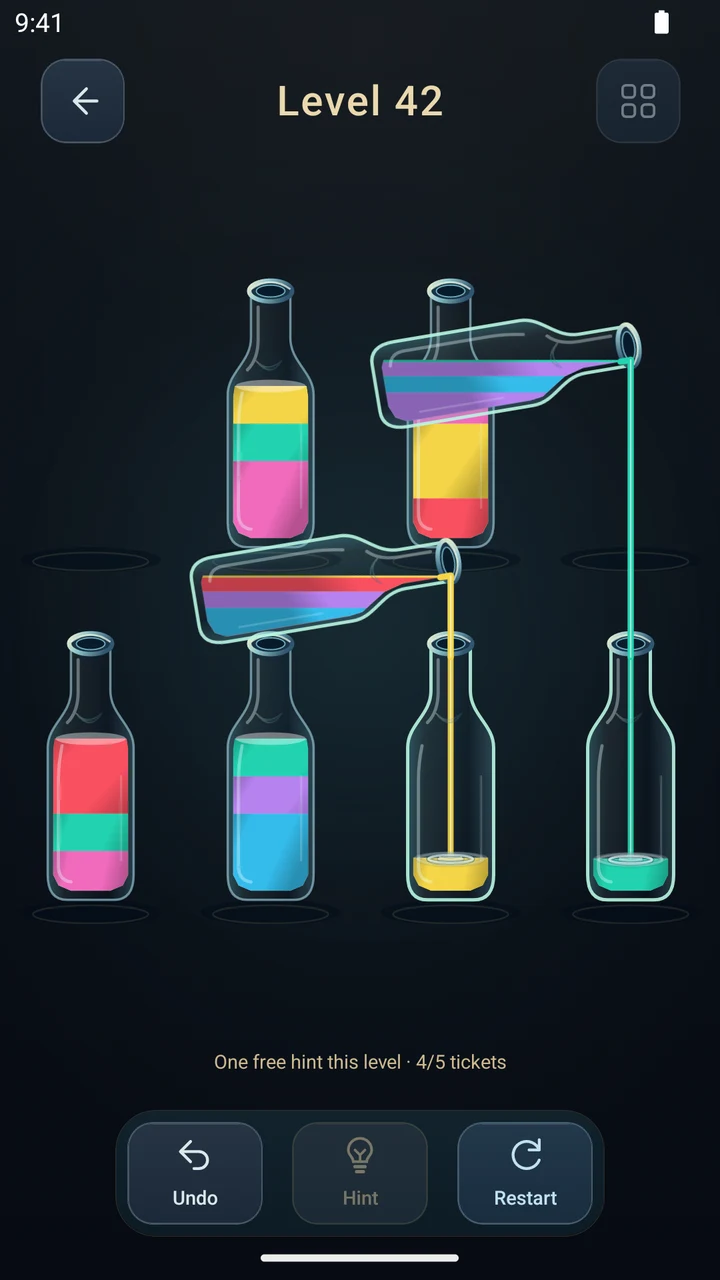
Simple to start. Room to think.
Tap a glass, choose where to pour, and sort every color into its own glass. The next move is yours.
Tap the glass you want to pour from, then a destination. Matching colors flow together when there is room.
Think a move ahead. An empty glass can open up a whole new possibility.
Sort the board, enjoy a small firework celebration, and continue when you are ready. There is no countdown.
See it for yourself
Bottles, tumblers and stemware. Swipe on the home screen to choose freely from 15 styles.
Two independent pours can move together on classic boards.
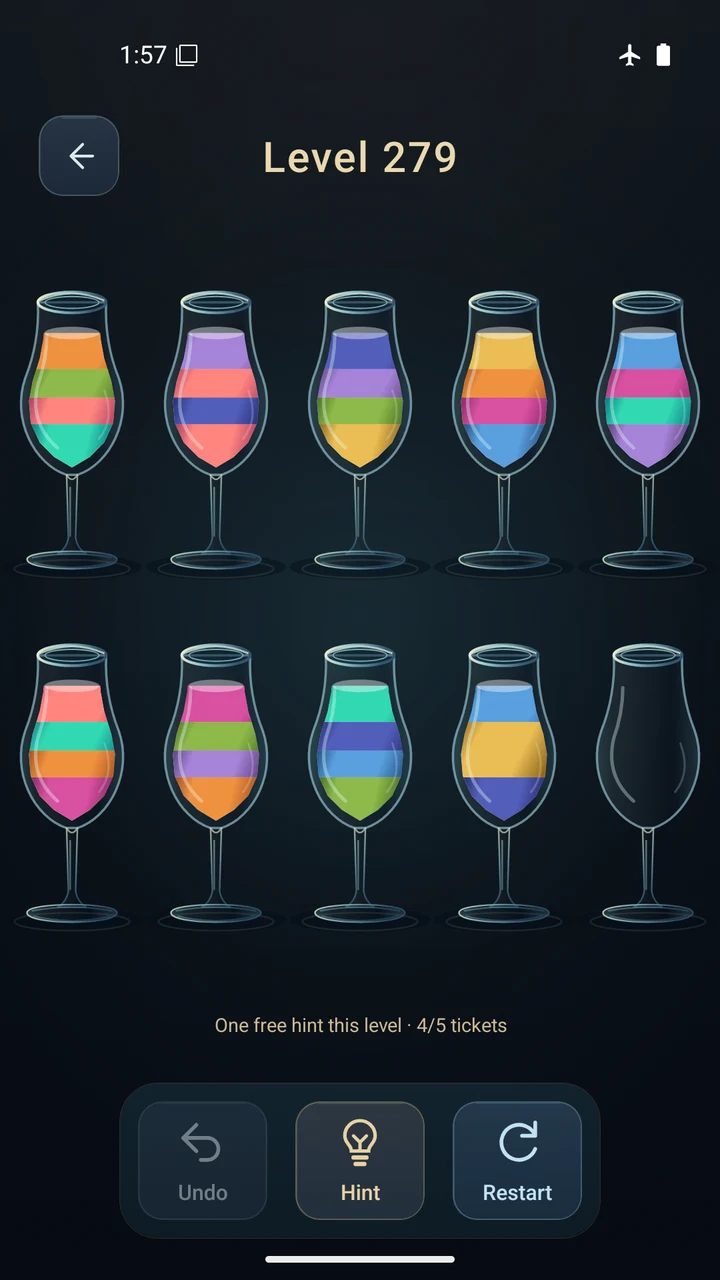
Choose a favorite style for the whole board.
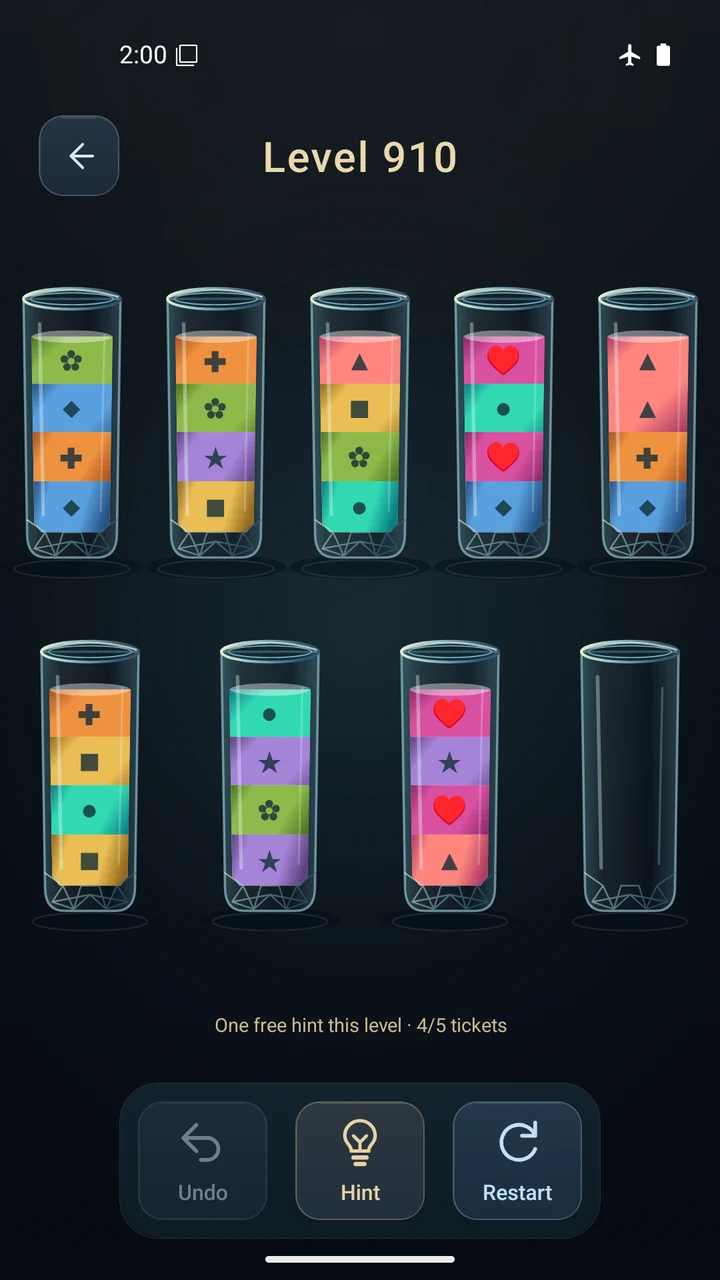
Optional symbols help distinguish the colors.
Made for your own pace
Begin with a gentle introduction, then unlock 1,000 mainline puzzles in order. Return to completed levels whenever you like.
Each set of 20 mainline puzzles opens a bonus puzzle: 50 in all. Melt its frozen bottom layer for free when you want another approach.
Explore 100 memory puzzles. Observe the colors, then sort marked portions hidden as black water. View the current colors again whenever you like.
Undo and restart are free. Each new classic puzzle has one free successful one-step hint; later hints use credits earned from first mainline clears. Replay hints are free.
Enjoy recorded pouring sounds and completion fireworks. Switch sound off whenever you prefer quiet. All 15 glass styles are freely selectable.
Gameplay works offline with no account or ads. Progress stays on this device. Choose from 21 in-game languages and optional color symbols.
Help shape the game
Our Android closed test began on 10 October 2026. We already have enough recruited testers, and welcome more players who want to try the game and share honest feedback.
The current test version is free and ad-free. Use an Android 7.0 or newer phone or tablet, with Google Play available. Intended for players aged 13 and up, subject to local age ratings and regional availability.
Sign in with the Google account you use on your Android device and join Bottle Harmony Beta Testers.
Join the Google groupWith that same Google account, open the test page and choose to become a tester.
Join the Google Play testOnce opted in, open the store page with the same account and install. Return here if you need help.
Install the test on Google PlayTry a few opening puzzles, then play at your own pace. If possible, stay opted in for 14 consecutive days and play during that time. Testing is voluntary and unpaid, with no daily quota or request for ratings or public reviews.
A few useful answers
The game is in closed testing. First join the Google group, then opt in to the test, using the same Google account at all three steps. Check the account selected in Google Play. If access is still unavailable, regional or device restrictions may apply; email us for help.
This website currently offers the Google Play Android closed test. There is no public App Store download available here. Public release dates have not been announced.
Every new mainline or frozen-bottom bonus puzzle has one free successful one-step hint. Later hints cost one credit. First mainline clears earn credits, up to five stored credits. Completed-level replay hints and memory puzzle hints are free. Undo and restart are always free.
Progress and preferences are saved locally on your device. Normal launches and app updates retain them. Clearing app storage or uninstalling deletes them; cloud saving and cross-device restoration are not available.
Gameplay works offline. Supported mobile builds enable Firebase usage analytics by default and can send gameplay events when connected. There is no in-app analytics opt-out switch. Please read the privacy policy before installing.
Tell us what felt satisfying, confusing or too difficult. For a bug, include the device model, Android version, app version, puzzle number and steps to reproduce it. Avoid including account details, notifications or other personal information in screenshots.
A confusing move, a tricky puzzle, a small detail you loved. Your real experience helps us improve Bottle Harmony.